FastBall app icon

FastBall

Quick markdown capture, one keystroke away. Gotta Catch 'Em All!

A macOS menubar app that puts a note window in front of you from anywhere, and gets out of the way the moment you're done. Native Swift — no Electron, no browser engine, no Accessibility permission.

macOS 14+ · Apple silicon & Intel · ~480 KB

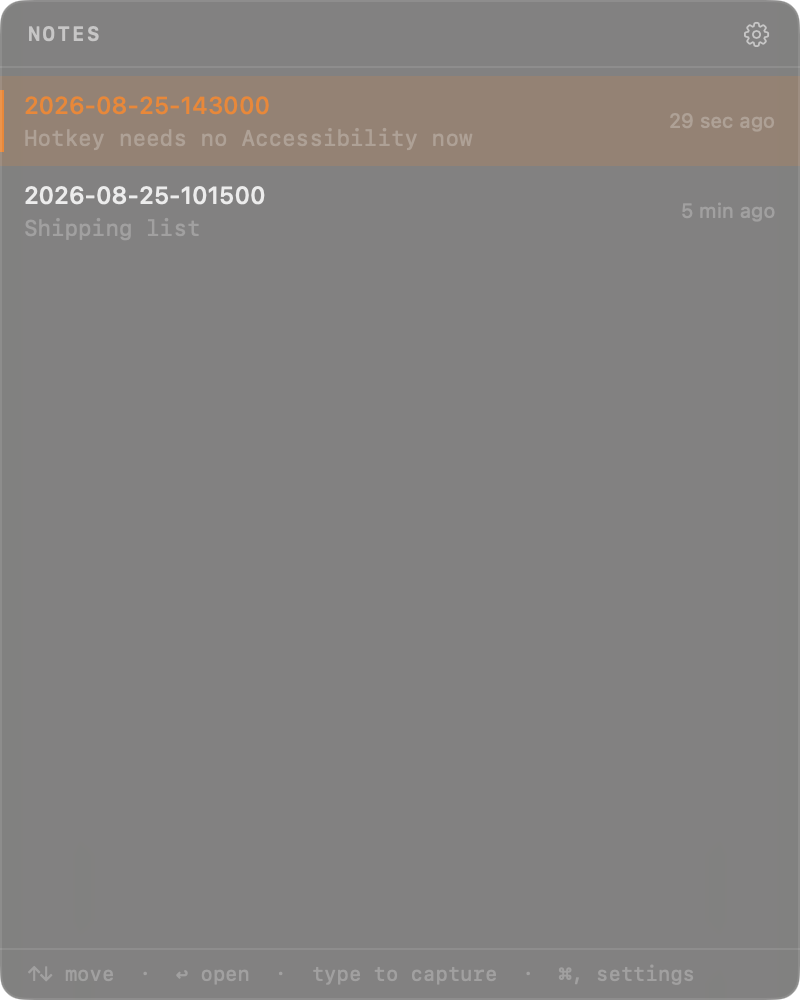
The FastBall note list: recent markdown notes with previews and relative timestamps.

The whole idea

  1. 1

    Press Ctrl, from any app. The window appears centred on whichever screen your cursor is on.

  2. 2

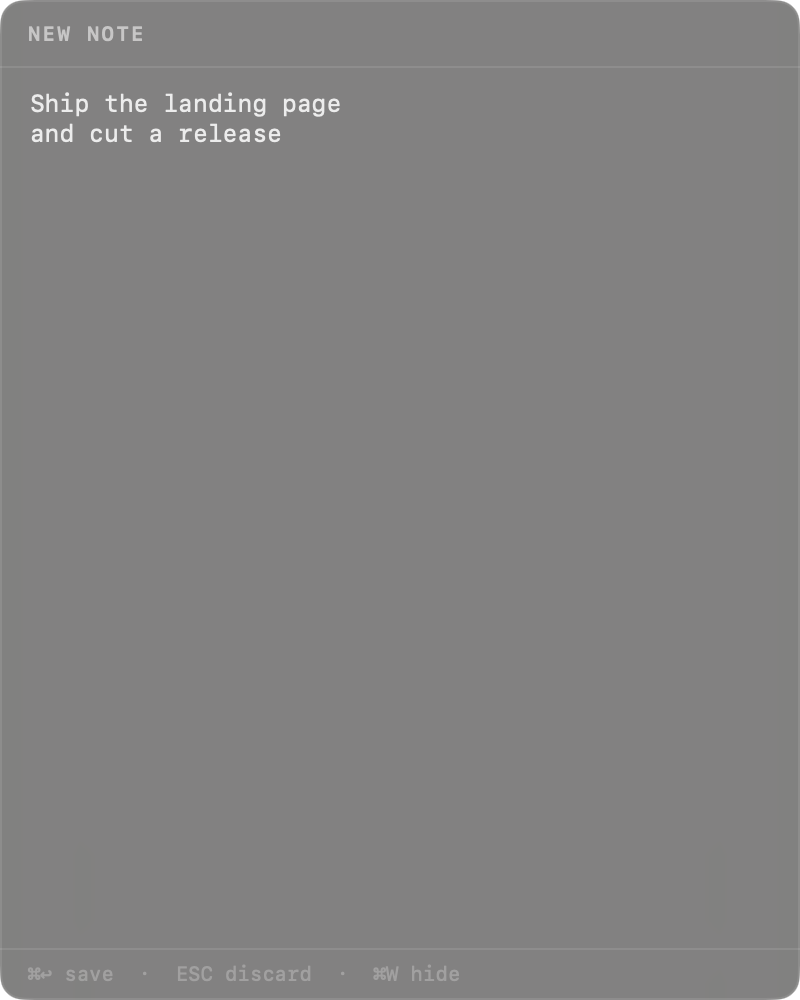
    Just start typing. Any printable key drops you into a new note, seeded with what you typed. No “New Note” button to find.

  3. 3

    Press . The note is written to disk as plain markdown and the window disappears.

Features

Type-to-capture

From the list, the first character you press starts the note. V starts one from the clipboard.

Plain markdown files

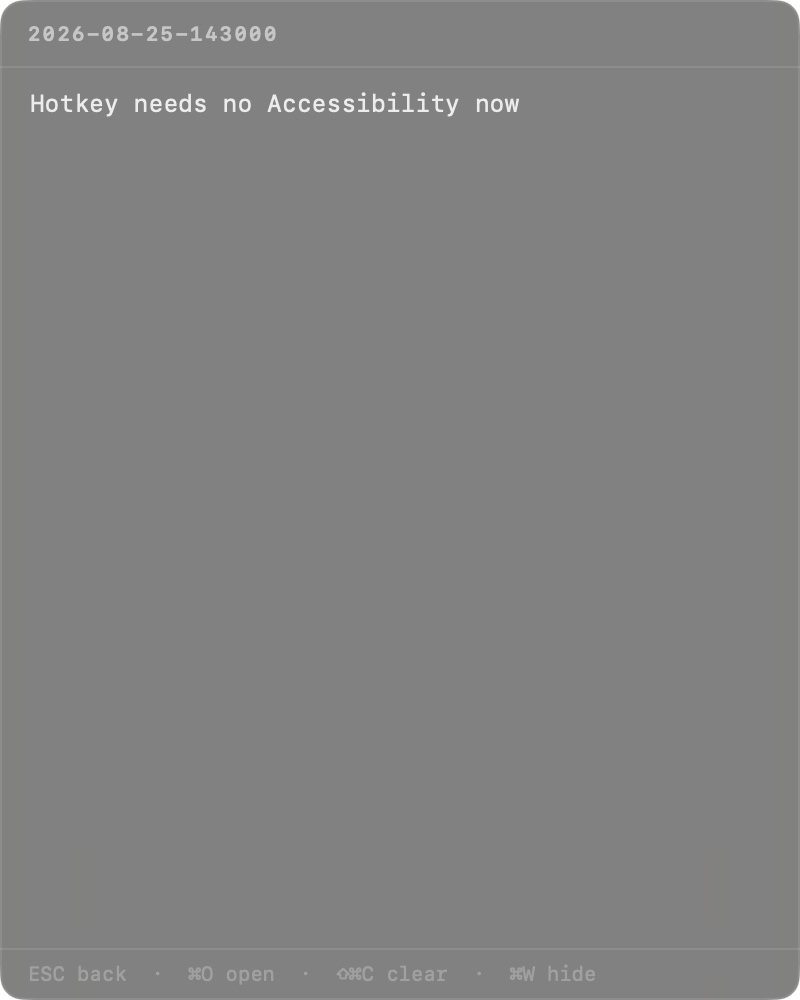
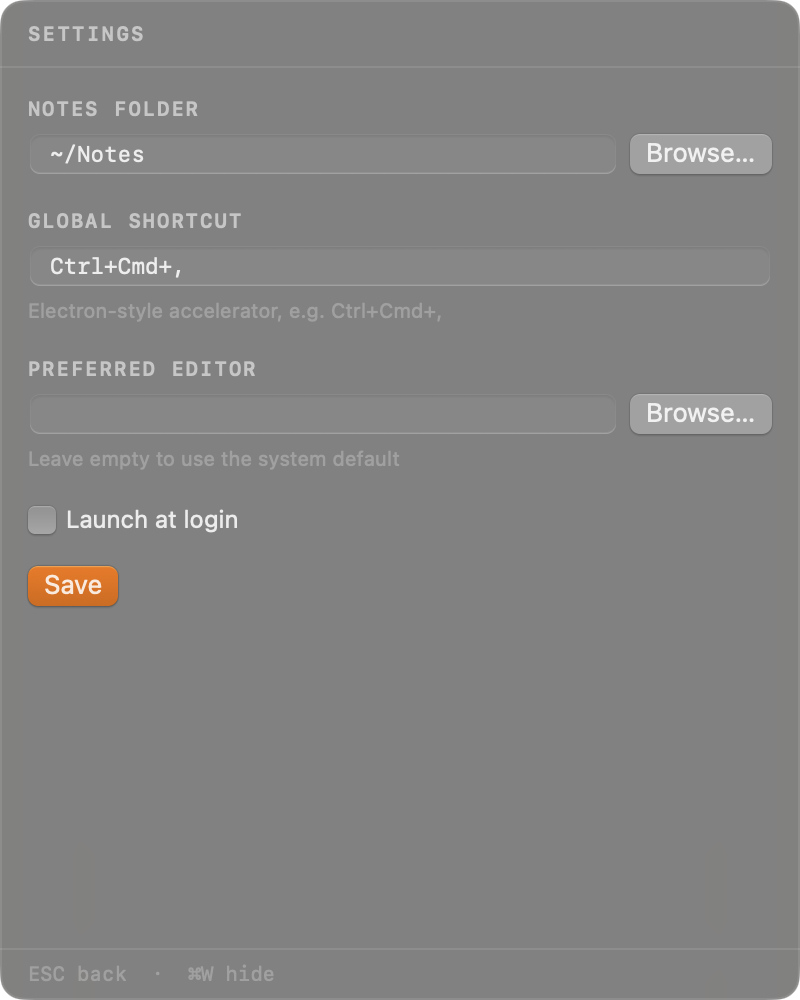
Notes are .md files named YYYY-MM-DD-HHmmss.md in a folder you choose. No database, no lock-in — point Obsidian at the same folder.

No Accessibility prompt

The hotkey is registered through Carbon, not an event tap, so macOS grants it without asking you to open System Settings.

Auto-saving editor

Edits are written half a second after you stop typing. O hands the file to your real editor when you need more room.

Stays out of the way

No Dock icon, no app switcher entry. A small pencil in the menu bar, and a window that hides itself the instant it loses focus.

Native, and small

AppKit and SwiftUI with zero dependencies. Starts instantly and idles at a few megabytes instead of a few hundred.

Every view

Keybindings

Global

Ctrl,
Toggle the window

List

Navigate
Open
any key
New note
V
New note from clipboard
,
Settings

Editor

esc
Back
O
Open externally
C
Clear
W
Hide

Capture

Save & hide
esc
Discard
W
Hide

Build it yourself

Command Line Tools are enough — Xcode is not required.

git clone https://github.com/hernanflores/fastball
cd fastball
make run